How to check whether a tunnel is online in YakTunnel
When a teammate says the preview link is down, the first question is whether anyone's connector is running. Each endpoint card shows its status and when its connector was last seen.
Before you start
- At least one reserved endpoint
Plays silently with captions; the narrated version is on its way.
Transcript
See at a glance which tunnels are connected, and when an offline one was last seen.
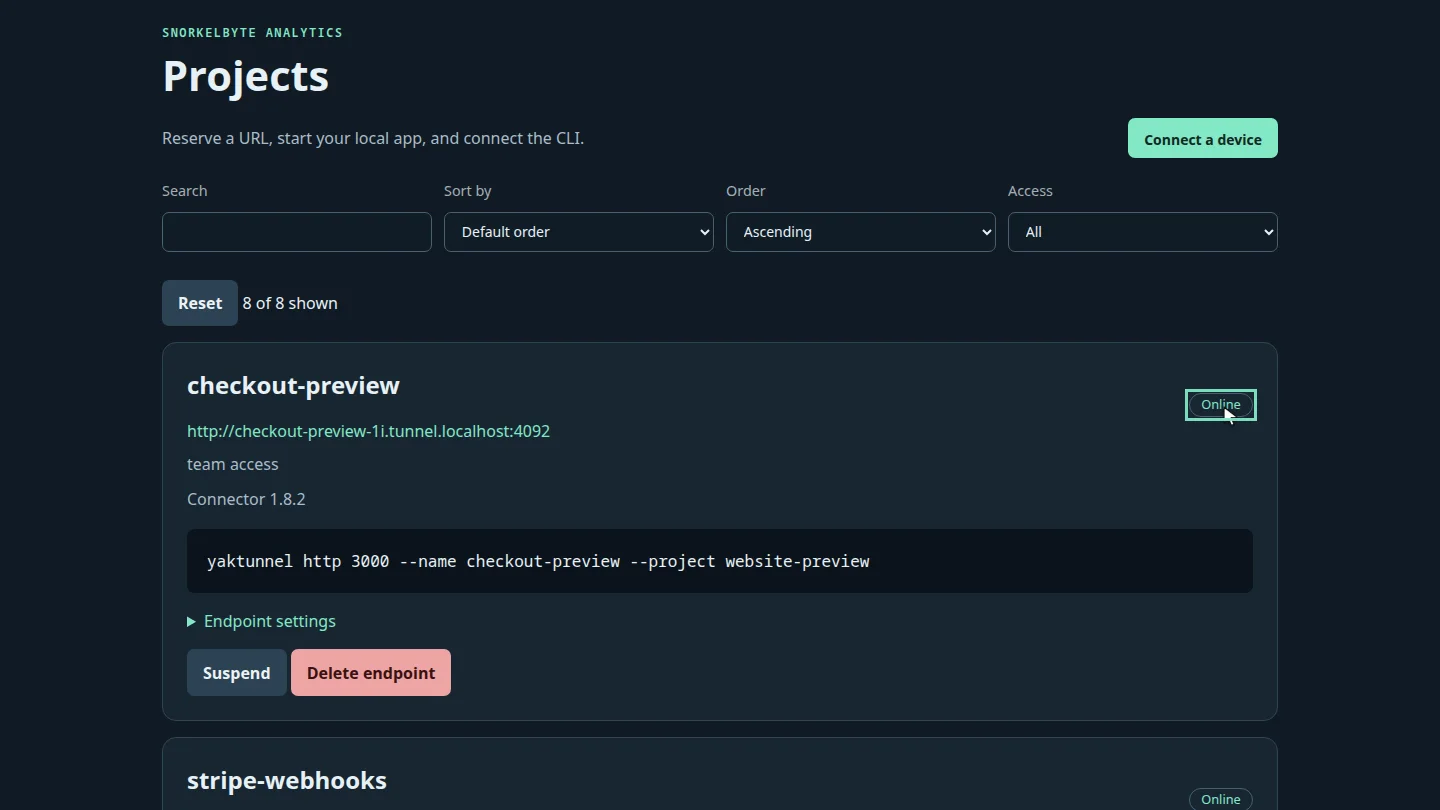
Each endpoint card on Projects has a status badge. Online means a connector is attached, and the card shows that connector's version.
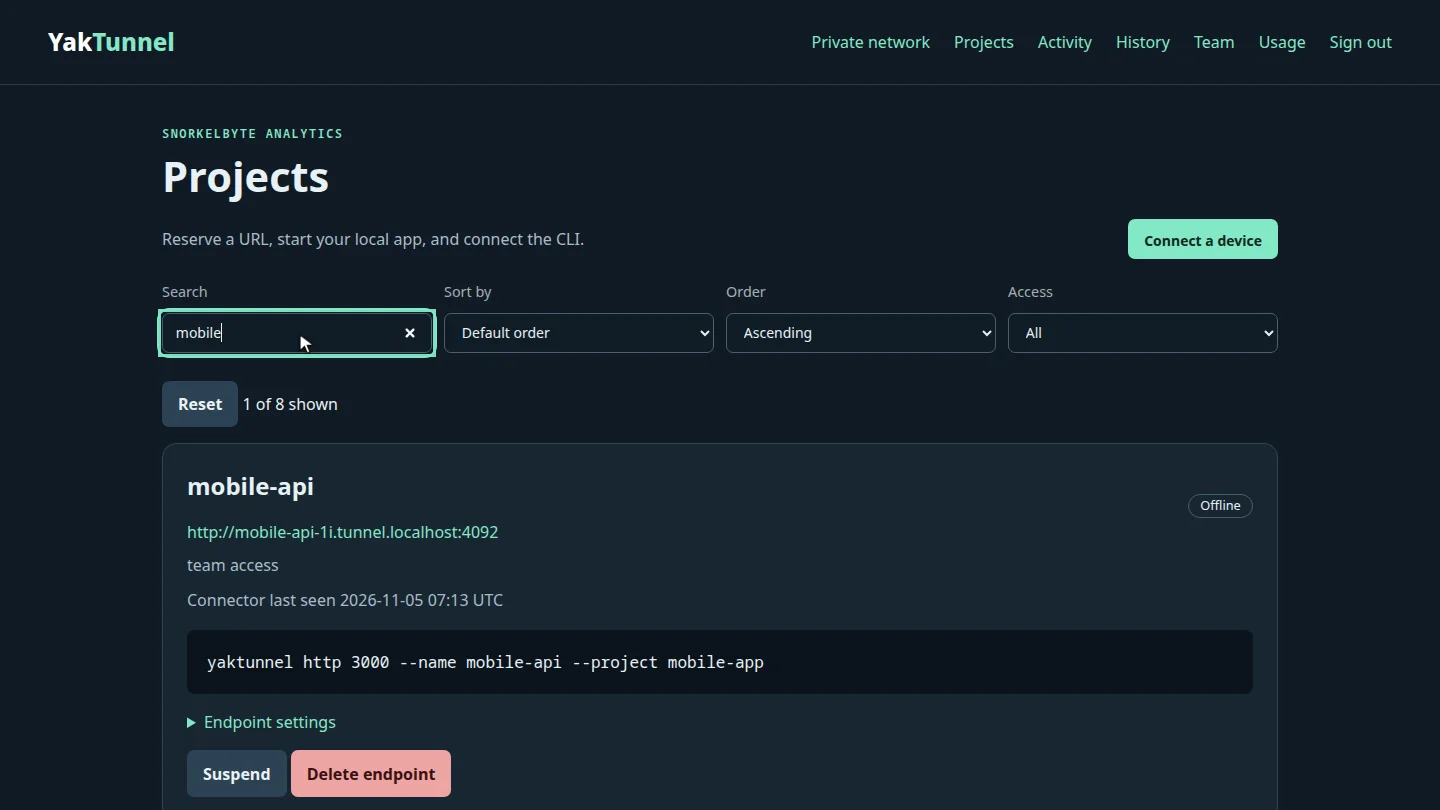
To check one endpoint, search for it by name. Here, the mobile API.
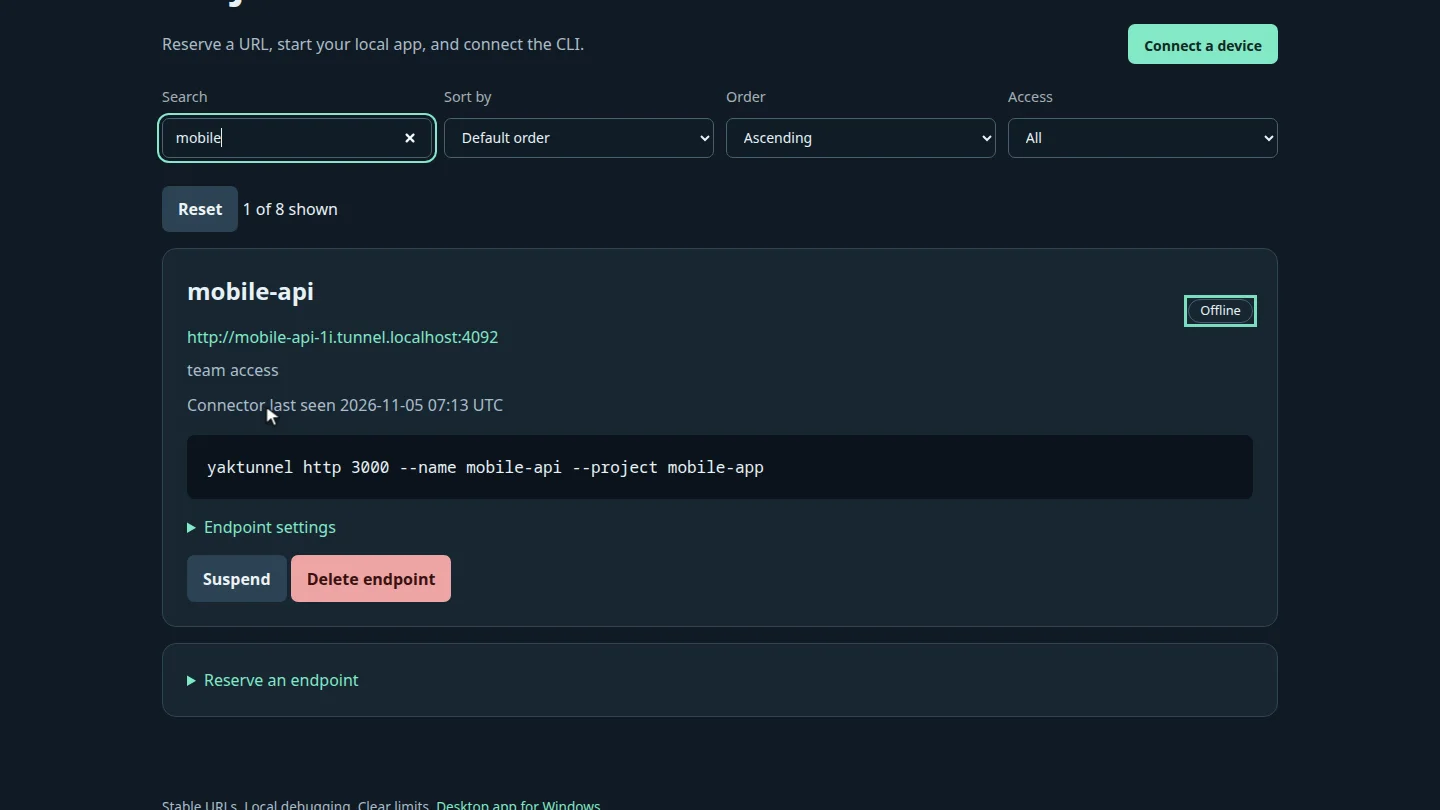
Offline means no connector is running. Connector last seen shows when the computer running it disconnected, so you know who to ask to restart it.
Steps
Read the status badge ▶ 0:07
In Projects, each card shows a status badge. Online means a connector is attached; Connector shows its version.
Find the endpoint ▶ 0:17
In Search, enter part of the endpoint's name.
Check when it was last seen ▶ 0:22
An Offline card shows Connector last seen with the time the last connector disconnected. Suspended and Awaiting DNS mean an administrator paused it or a custom domain isn't verified yet.
Next steps
Updated 2026-10-26
tunnel offline connector status preview link down last seen