How to delete an endpoint in YakTunnel
Delete endpoints you no longer use to free a slot on your plan. Deleting also removes keys limited to that endpoint, so suspend it instead if you might need it again.
Before you start
- An administrator role
- The endpoint's connector stopped
Plays silently with captions; the narrated version is on its way.
Transcript
Remove an endpoint you no longer use and free its slot.
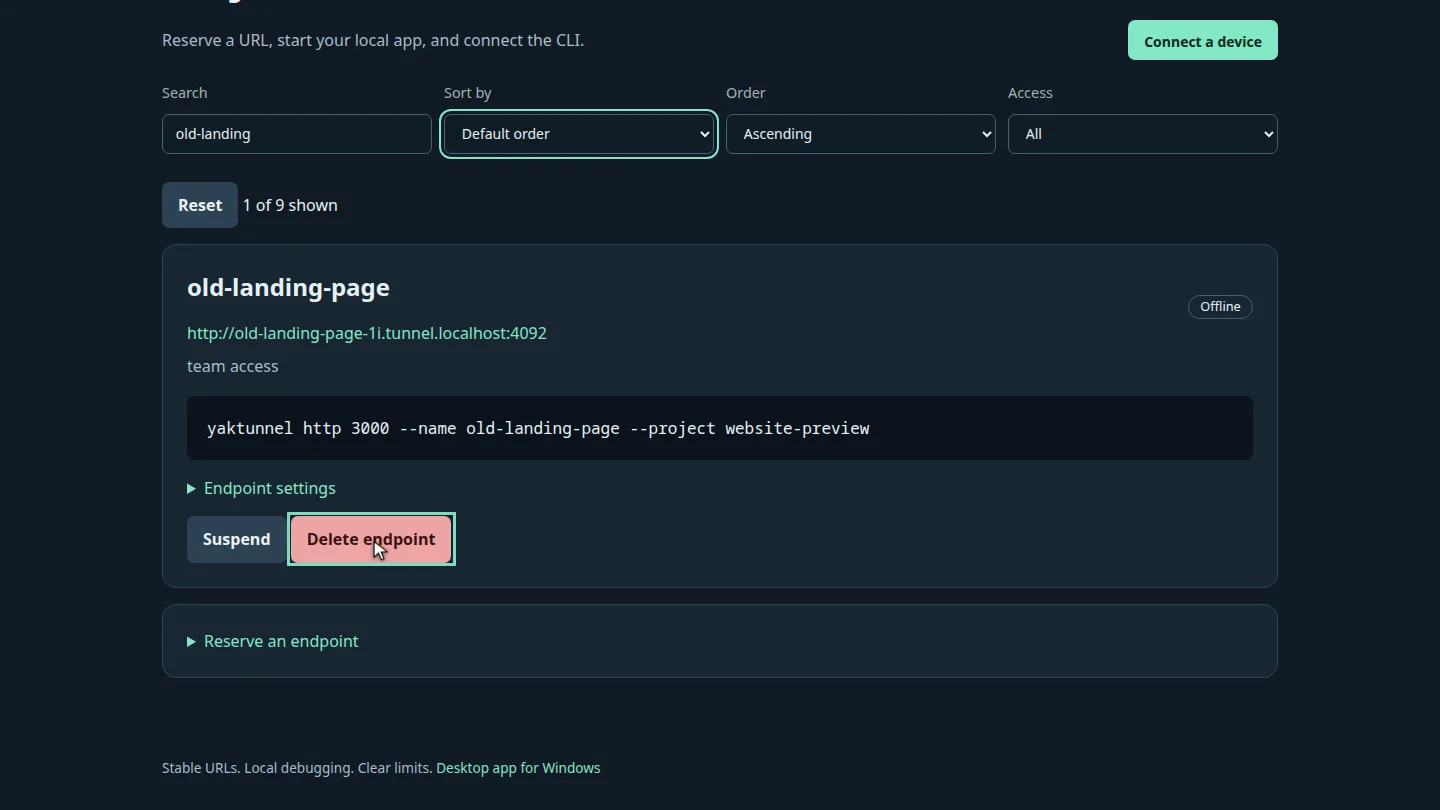
Search for the endpoint and select Delete endpoint, then confirm. If a connector is still running, stop it first.
The endpoint disappears from the list, and its slot is free for a new reservation.
Steps
Delete and confirm ▶ 0:05
In Search, enter the endpoint's name. Select Delete endpoint, then confirm. Stop its connector first if it's online.
Confirm it's gone ▶ 0:13
The endpoint no longer appears on Projects.
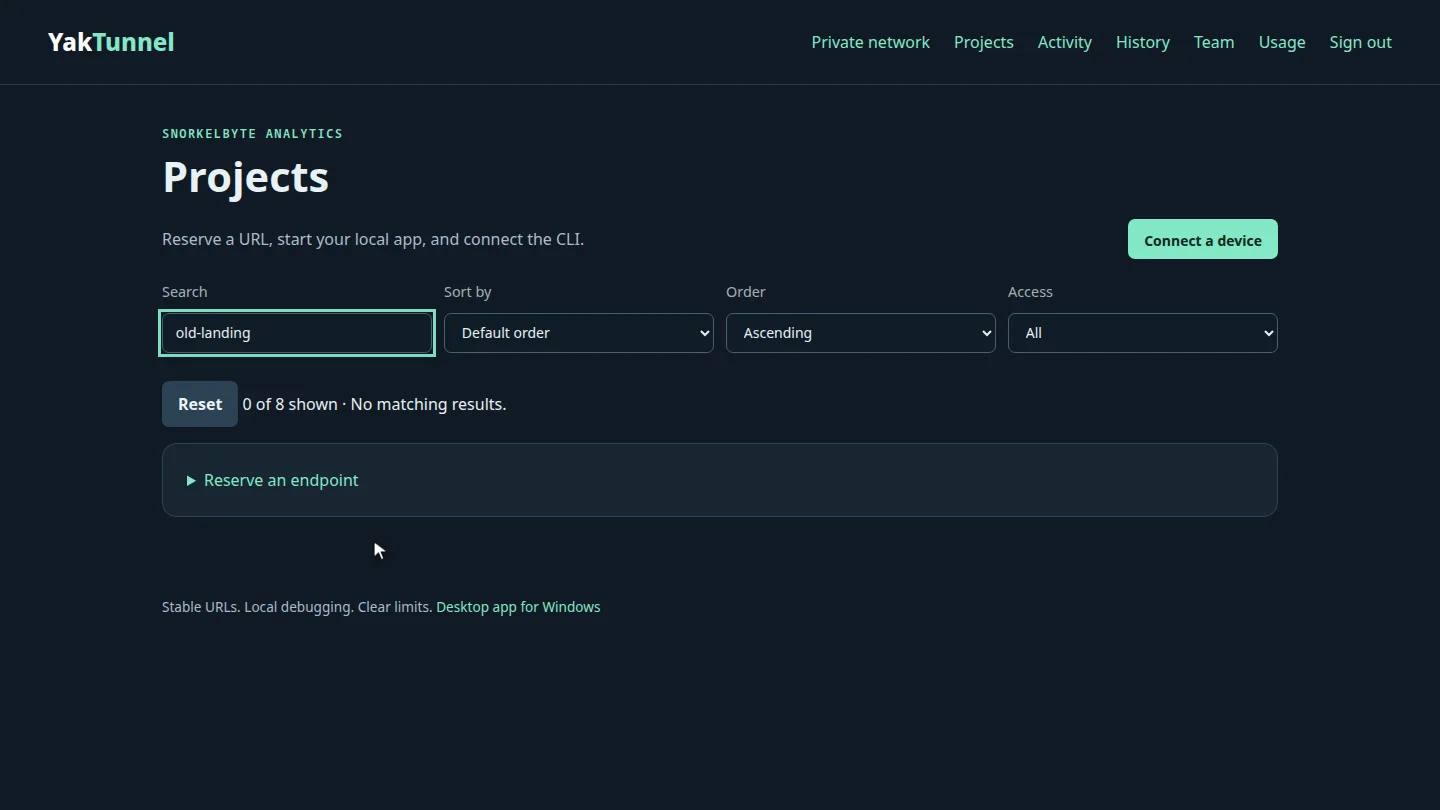
ResultThe endpoint no longer appears on Projects.
Next steps
Updated 2026-10-26
remove tunnel delete reserved url