How to replay a captured webhook in YakTunnel
Once you've fixed the handler, you don't want to wait for the provider to retry or fake an event by hand. Replay sends the captured request to your endpoint again, with any changes you make.
Before you start
- A captured request on History
- The endpoint online, with your fixed app running behind it
Plays silently with captions; the narrated version is on its way.
Transcript
Send a captured webhook to your app again after you fix the bug.
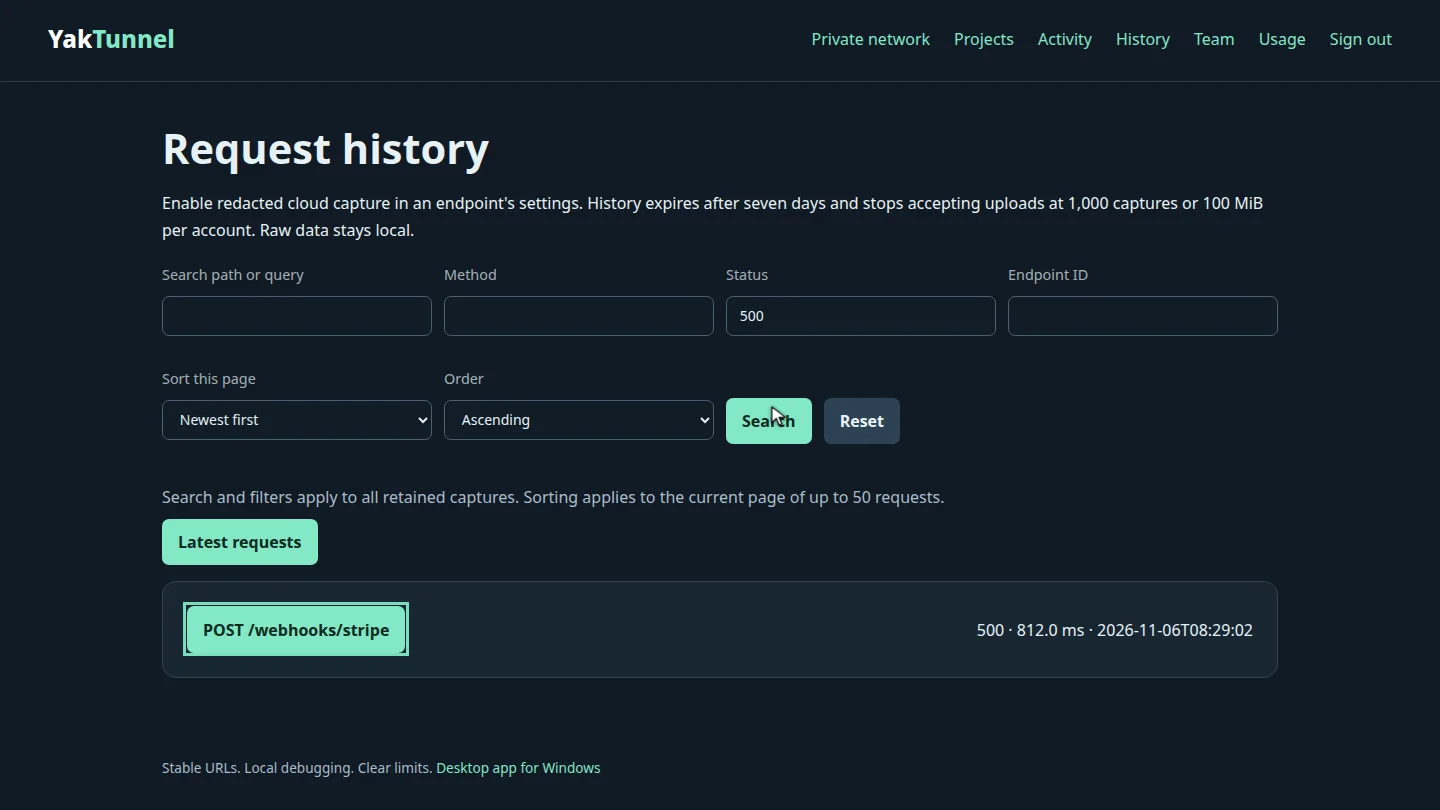
In History, filter to the failed request and select it.
Under Edit and replay, the method, path, headers and body are filled in from the capture. Replace any redacted values, or the replay is refused.
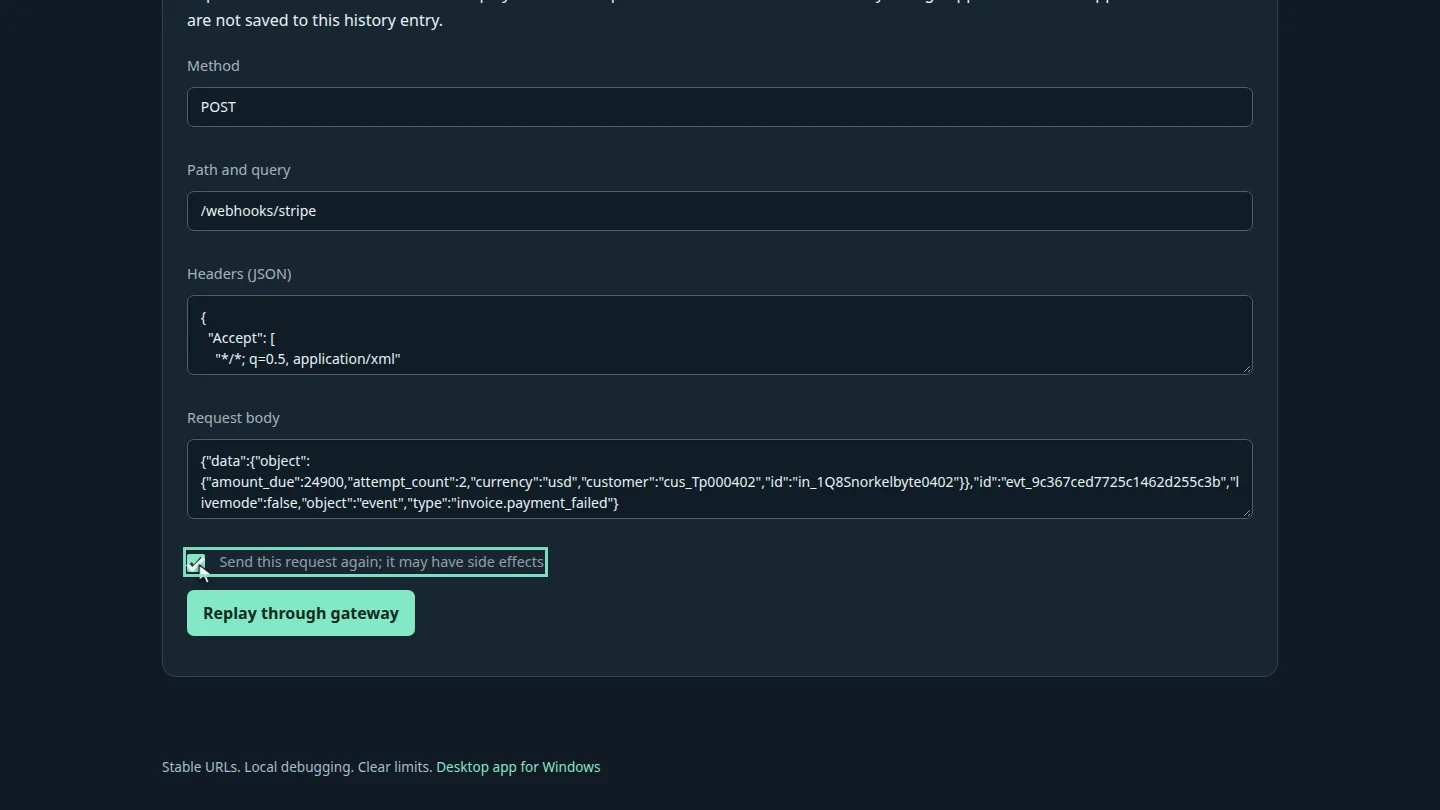
Tick the box to confirm that sending it again may have side effects, such as a second email to the customer.
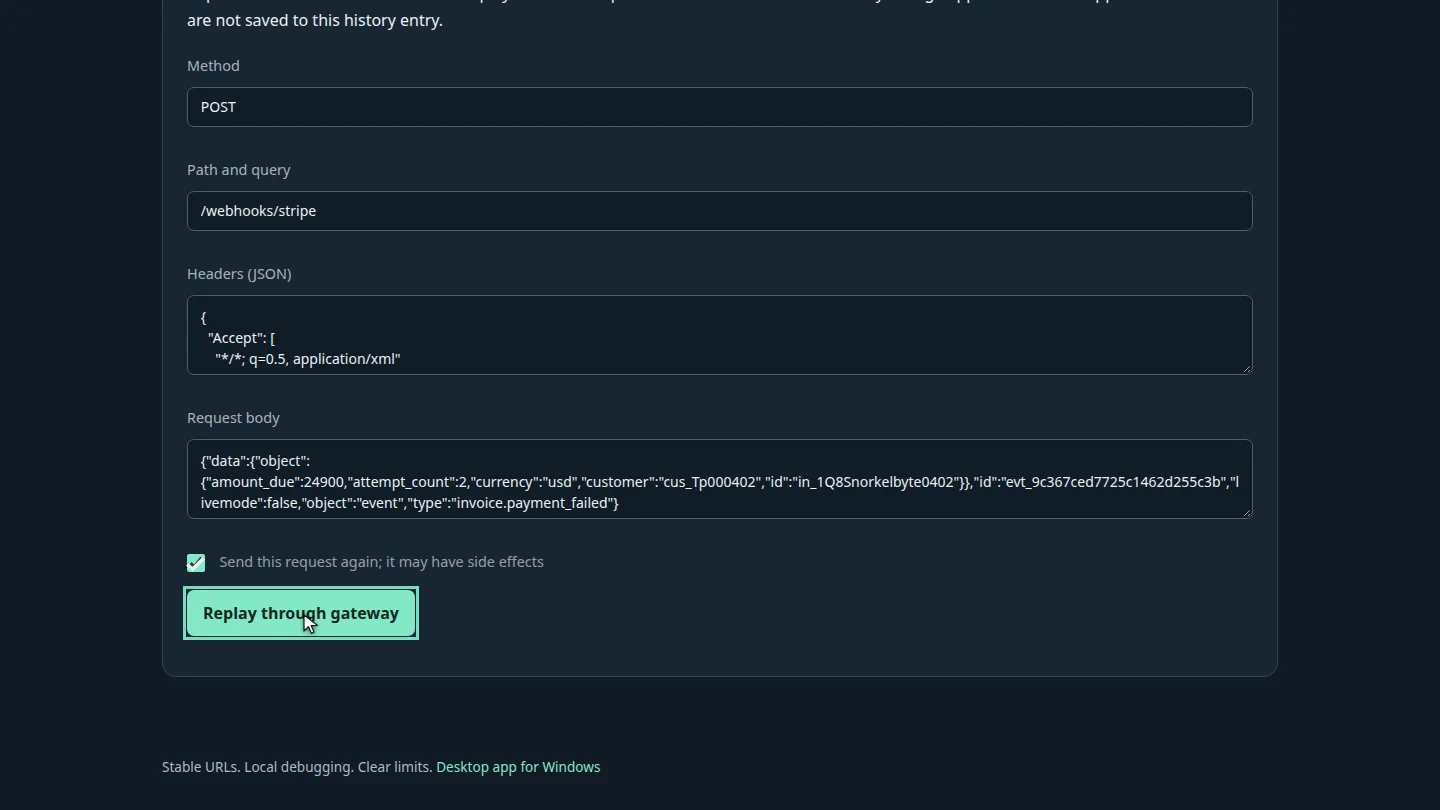
Select Replay through gateway. The request goes through the endpoint's current access rules, and a message reports the status code your app returned.
Steps
Open the request ▶ 0:05
In History, filter the list (see Find a captured webhook) and select the request.
Check the request ▶ 0:10
Under Edit and replay, check Method, Path and query, Headers (JSON) and Request body. Replace any
[redacted]values.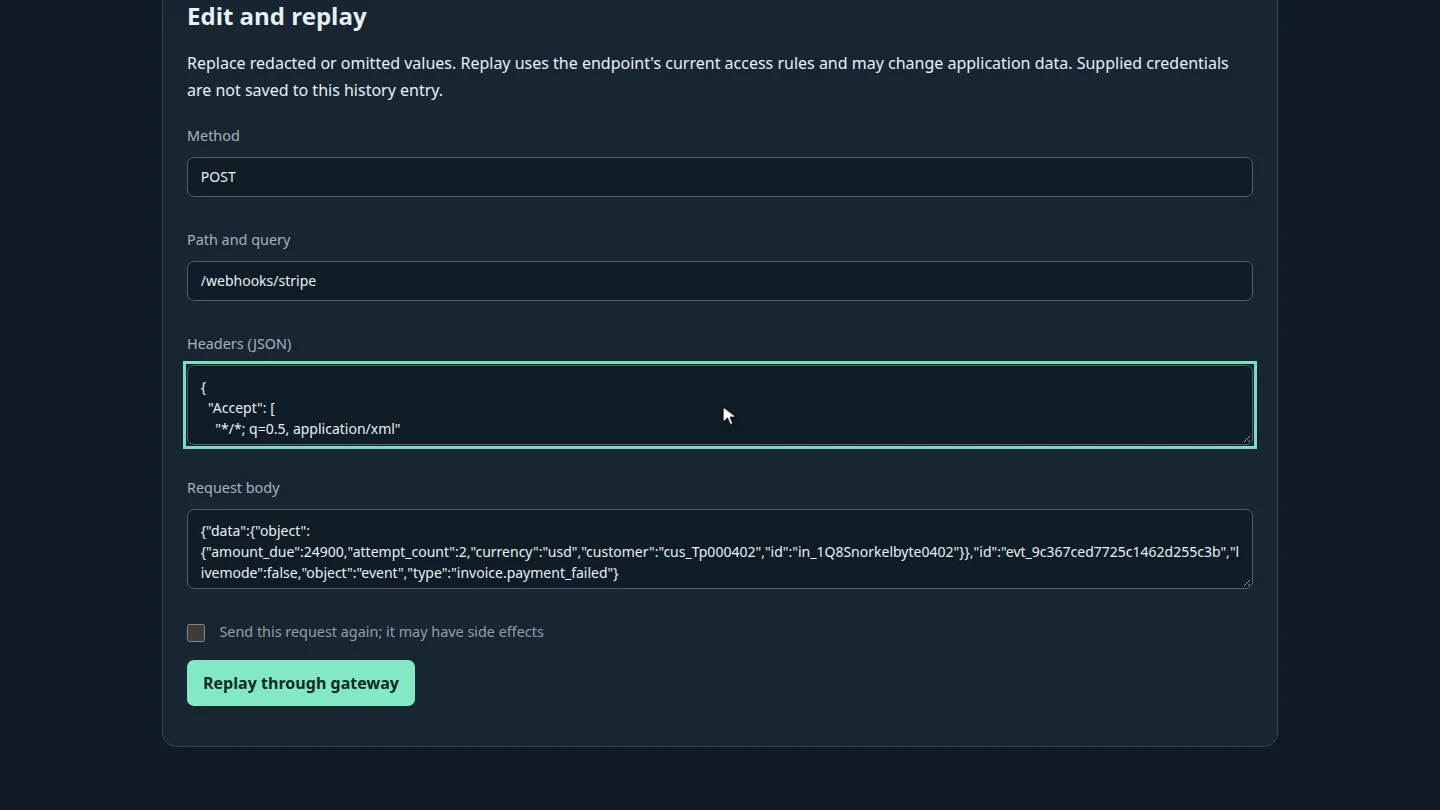
Confirm the side effects ▶ 0:20
Select Send this request again; it may have side effects.
Replay it ▶ 0:29
Select Replay through gateway. A message such as Replay returned HTTP 200. reports your app's response.
Next steps
Updated 2026-10-26
resend webhook replay request retry stripe webhook