How to revoke an old automation key in YakTunnel
Rotate keys without downtime: create a replacement, deploy it, then revoke the old key. Anything still using the old key loses access straight away.
Before you start
- An administrator role
- A replacement key already deployed
Plays silently with captions; the narrated version is on its way.
Transcript
Retire an old CI key once its replacement is in place.
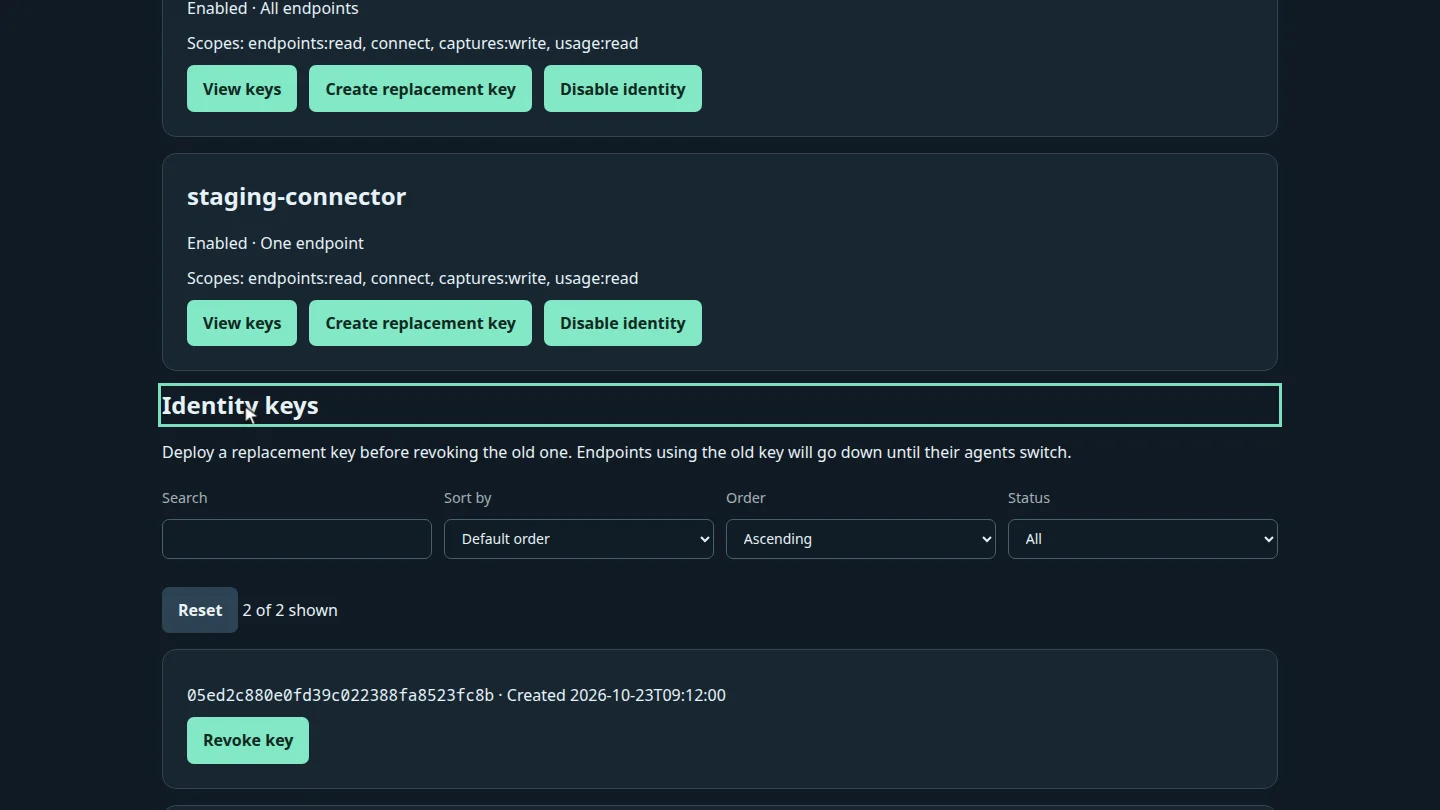
On the identity, select View keys. Identity keys lists each key with when it was created.
On the older key, select Revoke key and confirm. It's marked Revoked. Anything still using it loses access, while the replacement keeps working.
Steps
View the keys ▶ 0:05
In Automation identities, select View keys on the identity.
Revoke the old key ▶ 0:12
On the older key, select Revoke key, then confirm. The key shows Revoked.
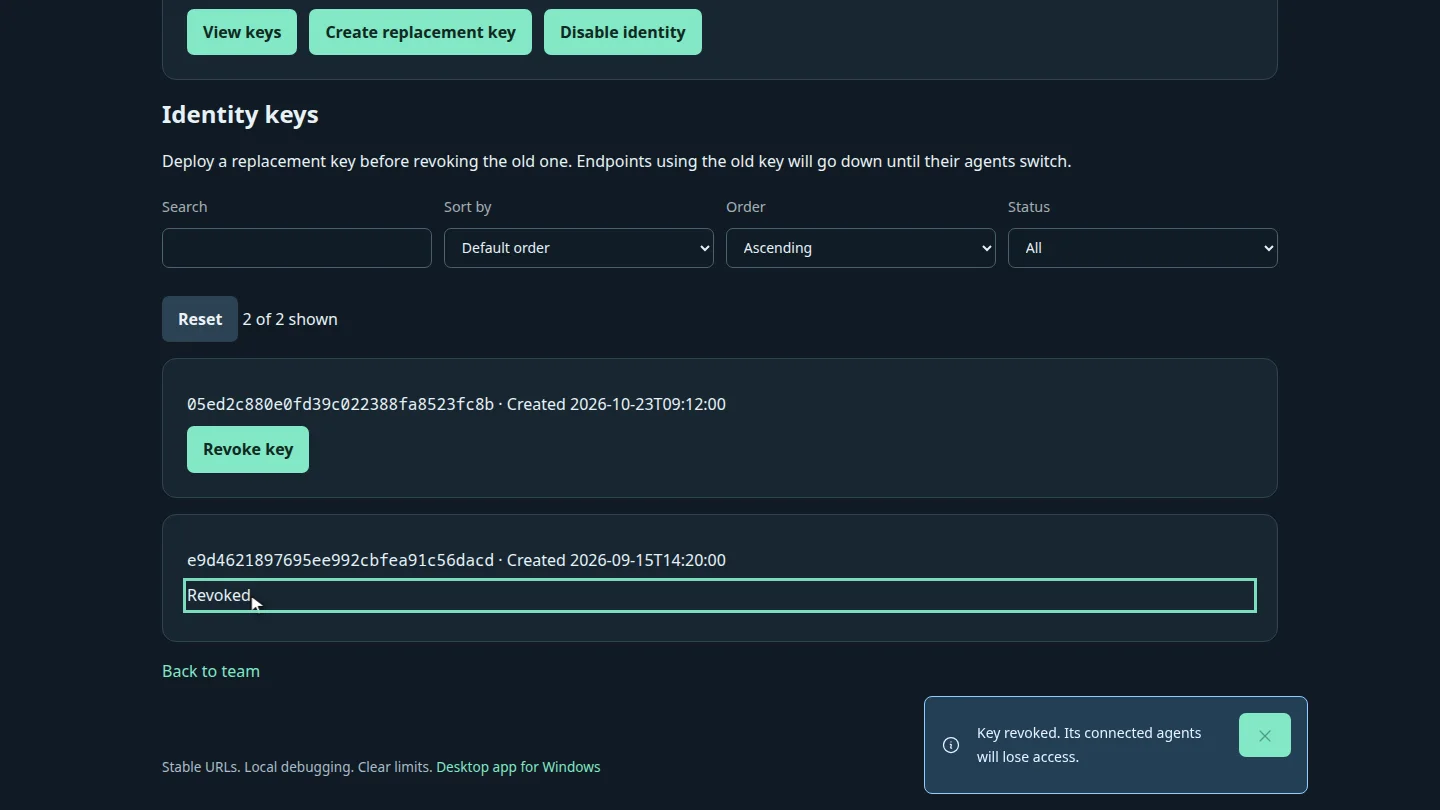
ResultThe old key shows Revoked; the replacement keeps working.
Next steps
Updated 2026-10-26
rotate api key revoke token key rotation