How to check your usage and plan in YakTunnel
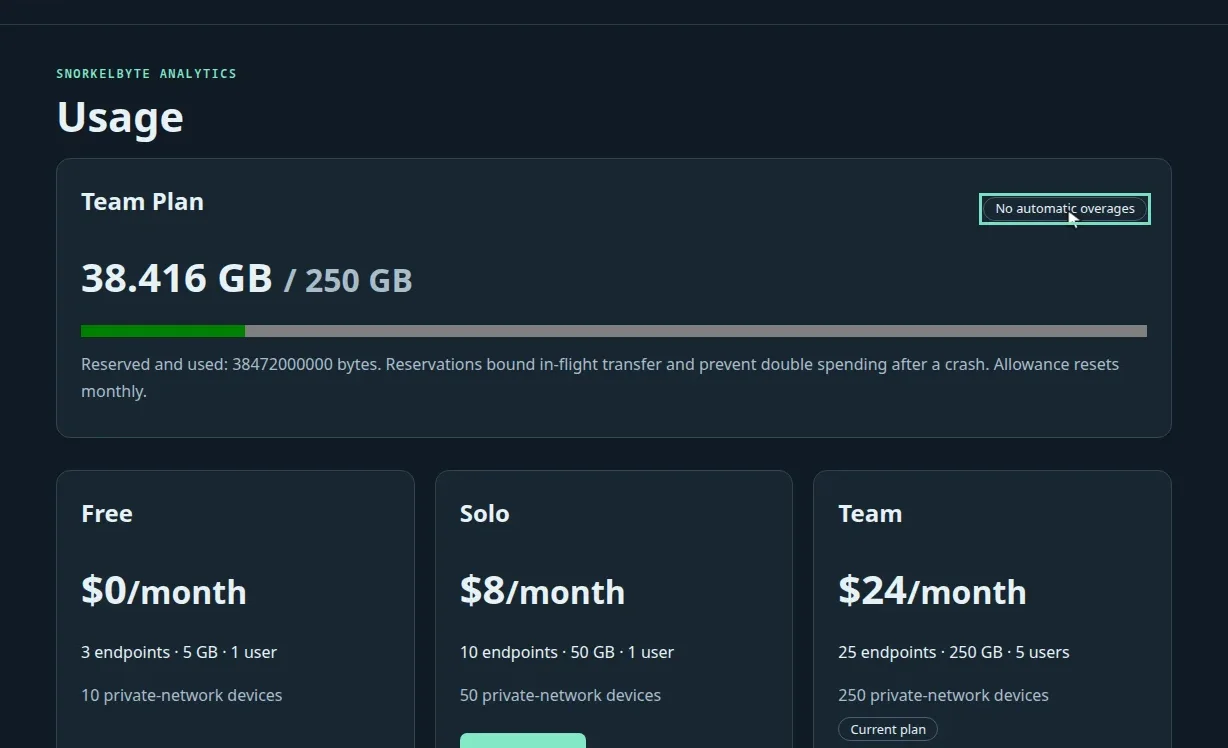
YakTunnel has no automatic overages: traffic stops when the monthly transfer allowance runs out. Check how much you've used, and compare plans before a big demo or load test.
Before you start
- A YakTunnel account (plan changes need an administrator)
Plays silently with captions; the narrated version is on its way.
Transcript
See how much transfer you've used this month, and what each plan includes.
Open Usage. The big number is this month's transfer against your plan's allowance. It resets monthly, and traffic stops at one hundred percent instead of billing extra.
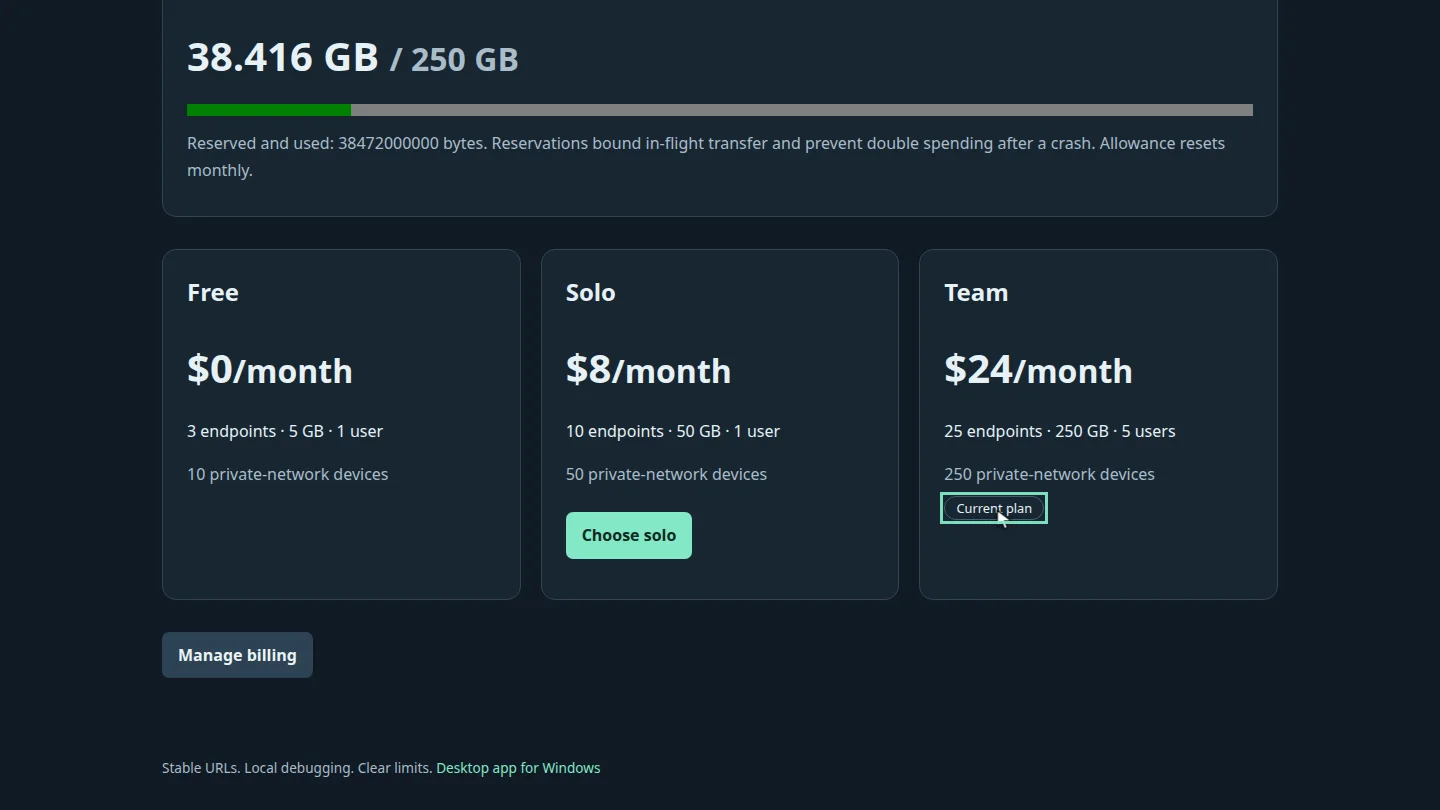
Below, compare plans by endpoints, transfer and users. Your plan is marked Current plan, and Choose opens checkout for another.
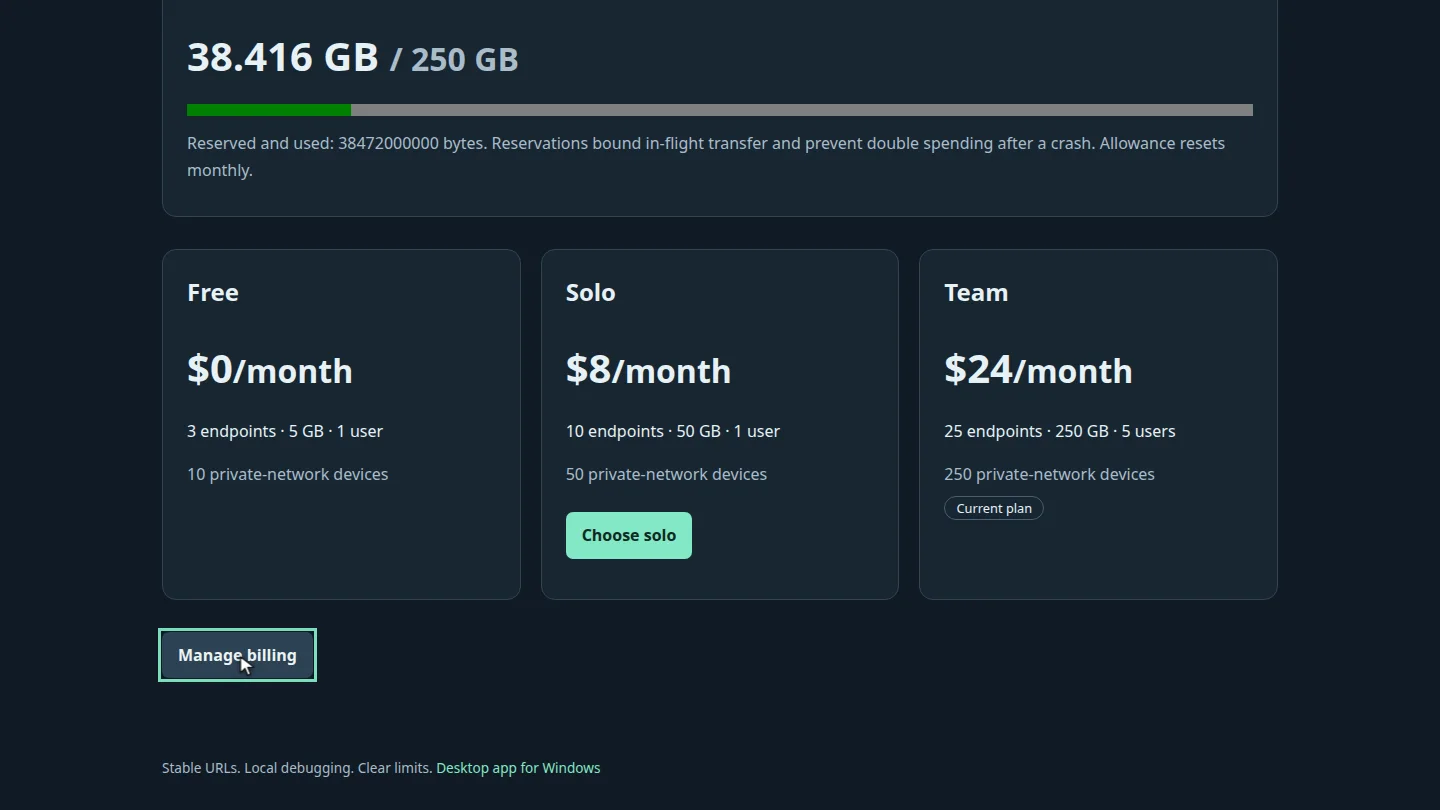
To download invoices, update a card or cancel, select Manage billing. It opens the billing portal.
Steps
Check this month's transfer ▶ 0:06
Open Usage. The total shows transfer used against your allowance, which resets monthly.
Compare plans ▶ 0:19
Compare the plan cards. Your plan shows Current plan; administrators select Choose solo or Choose team to check out.
Manage billing ▶ 0:28
Select Manage billing to open the billing portal for invoices, payment details and cancellation.
Next steps
Updated 2026-10-26
bandwidth limit transfer allowance upgrade plan billing pricing